Prints that fit your frame.
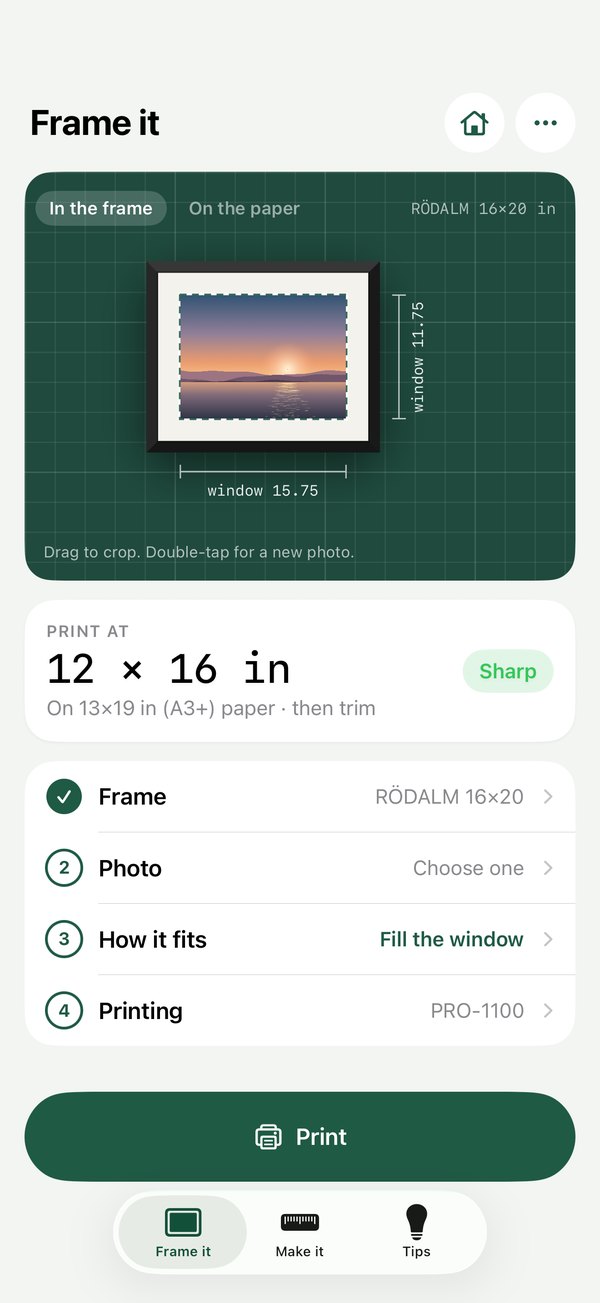
Pick the frame you bought. Matline works out the print size, lays it out on your paper and sends it to your printer.
iPhone and iPad · Free to start · 14-day Pro trial
The frame you already own, filled right.
That RÖDALM from IKEA, the gallery frame from Target, the one that's been empty since you moved in. Pick it, add a photo, and print one that fits the mat on the first try.

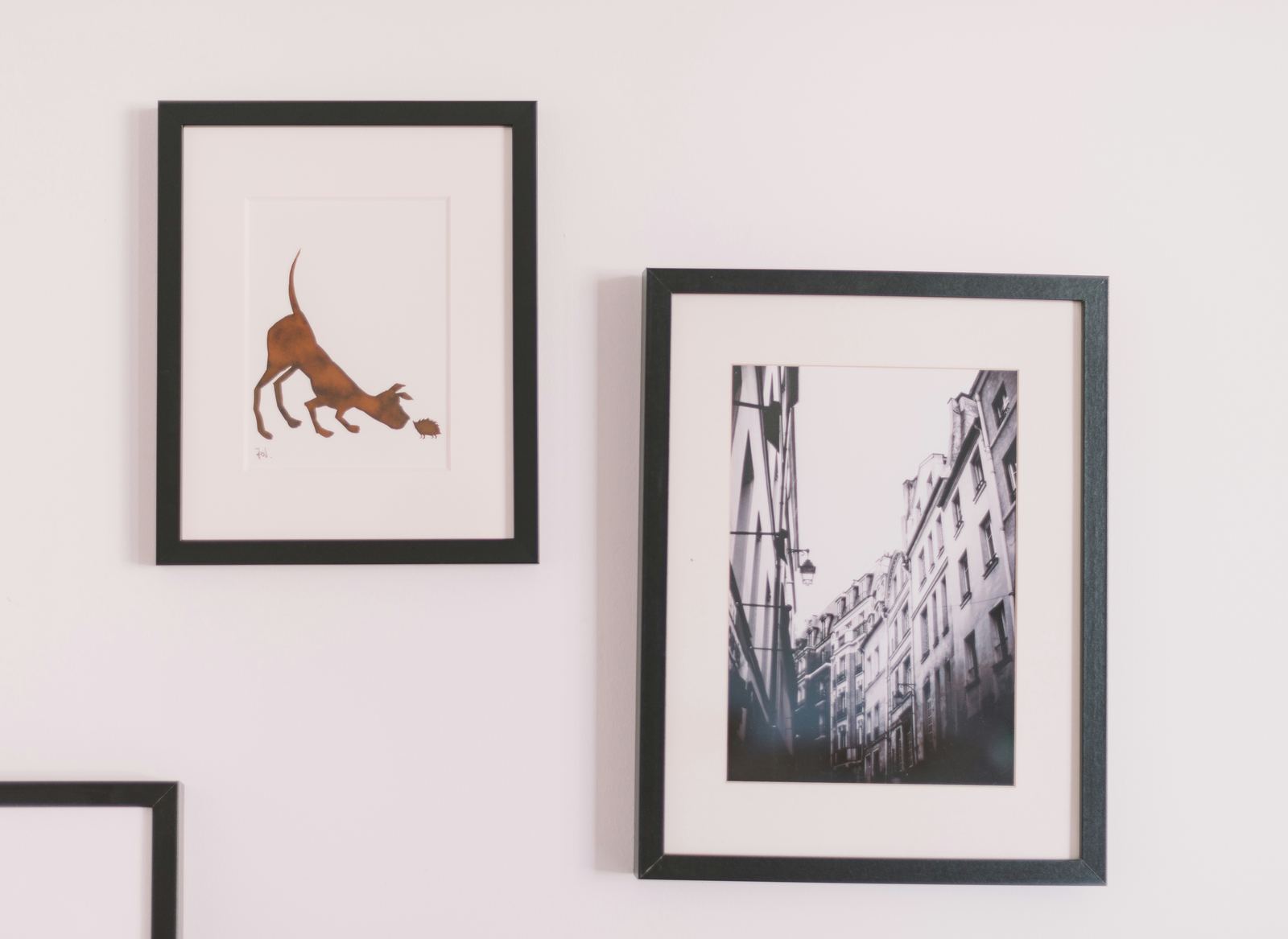
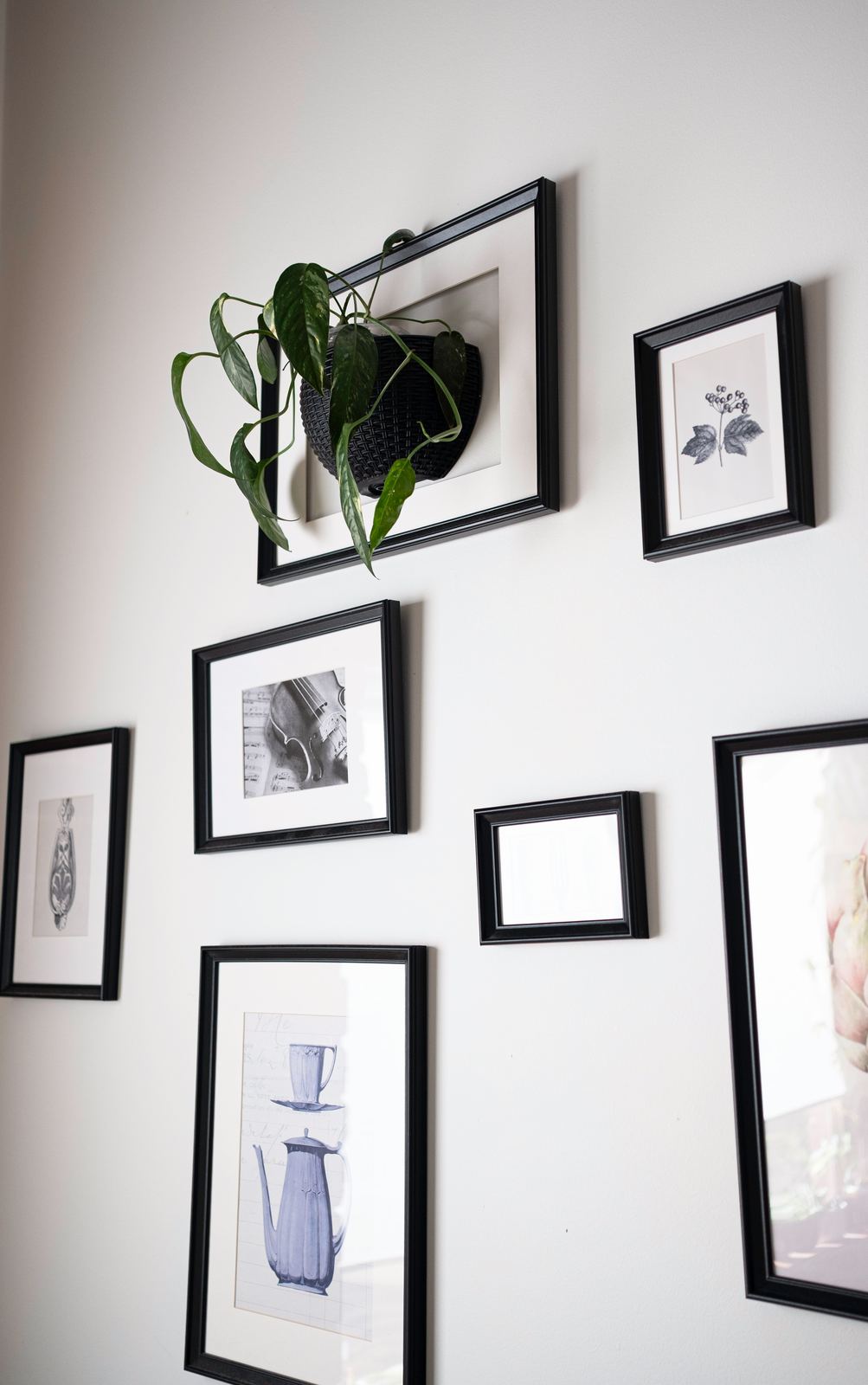
Measure once. Frame it right.
No ruler, no guessing what size to print. Three steps from photo to a print that sits perfectly behind the mat.
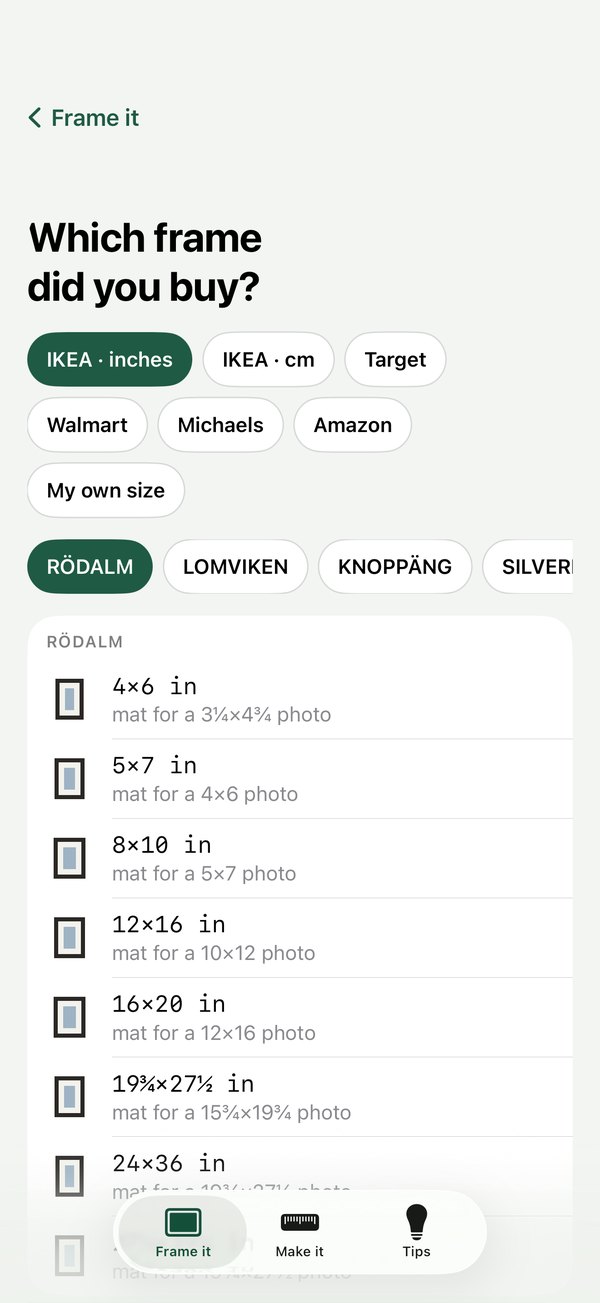
Pick your frame
Choose the store and the size on the tag. IKEA, Target, Walmart, Michaels and Amazon are built in, or type your own.
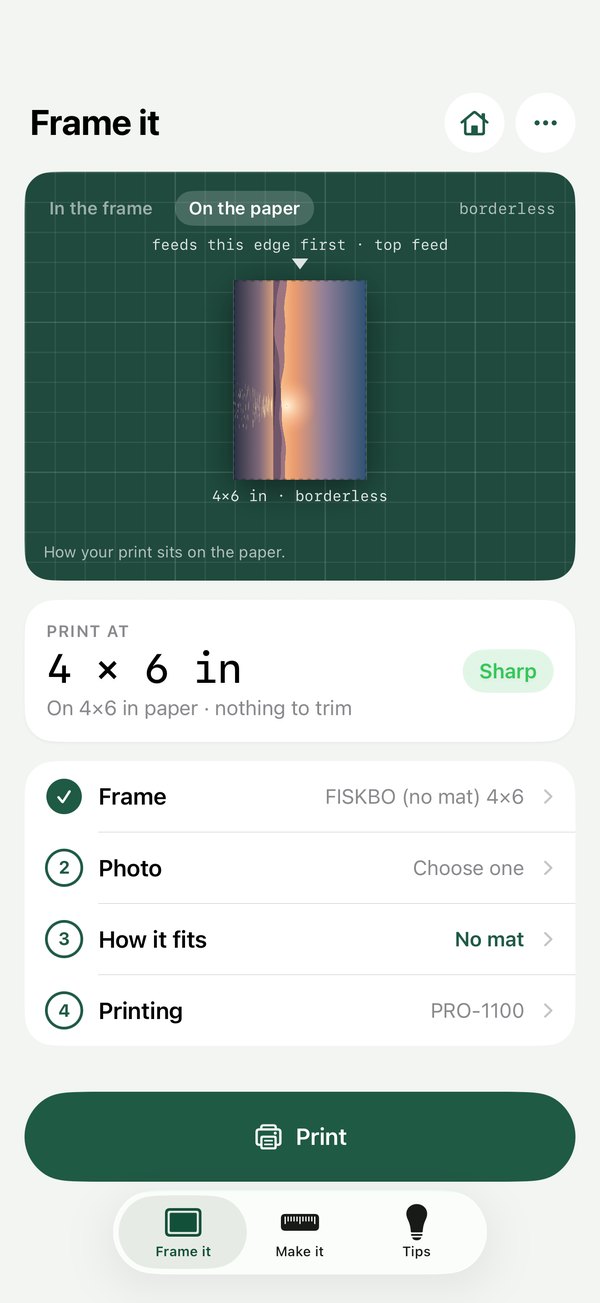
Drag to choose what shows
Fill the mat window, or keep the whole photo with a border. Matline lays it out on your paper with the margins your printer needs.
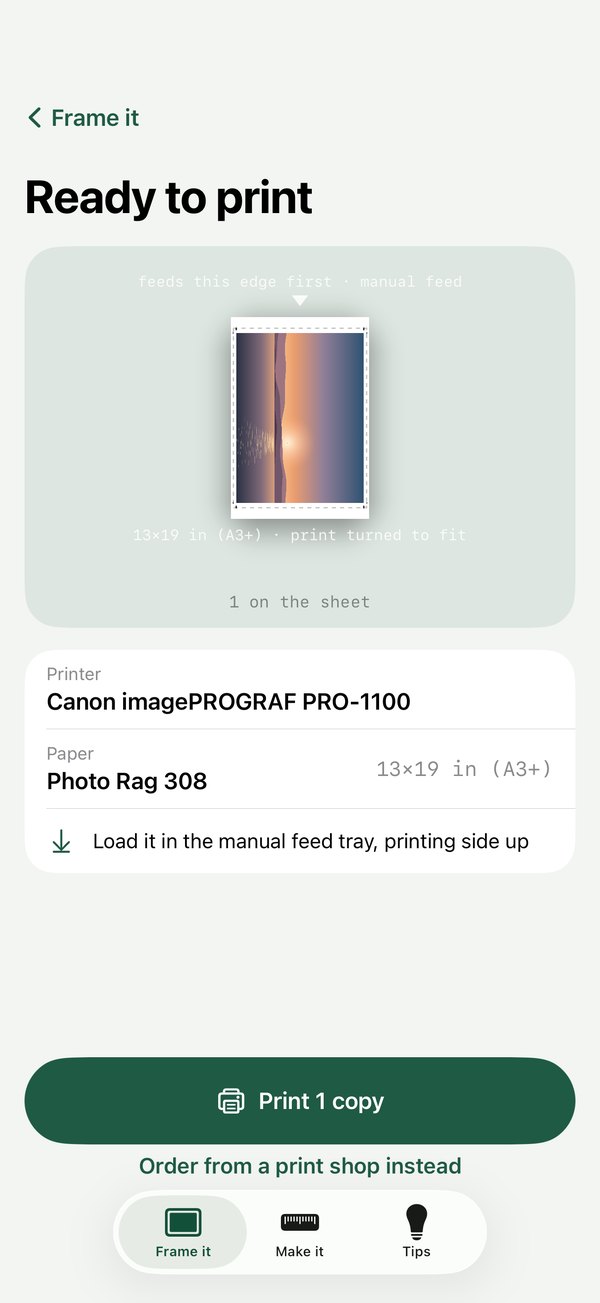
Print in one tap
Send it to your printer with the right paper settings, or get a file sized for Walgreens, CVS or Costco.
Print it tonight. Frame it tomorrow.
Your own printer, your own paper, sized to your frame. No lab, no waiting, no white gaps in the mat.
Cut the mat, too.
For anyone who'd rather cut their own than buy one.
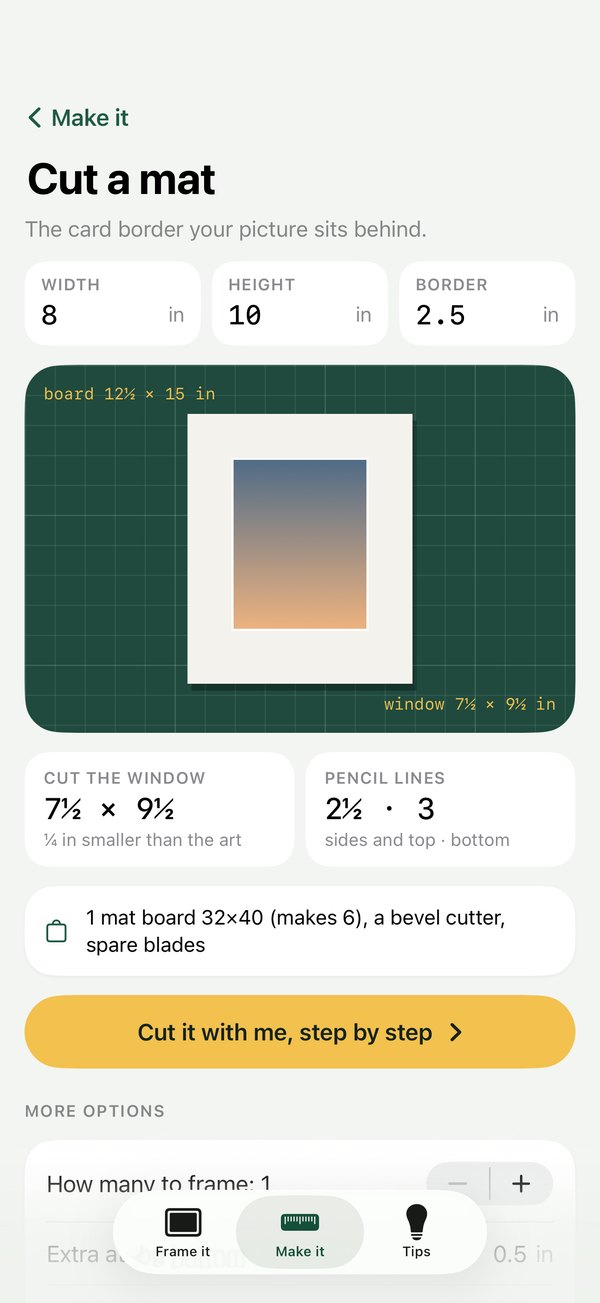
Cut your own mat.
Enter the art size and the border you want. Matline gives you the board size, the window and where to draw your pencil lines, plus what to buy.
Guides that read aloud.
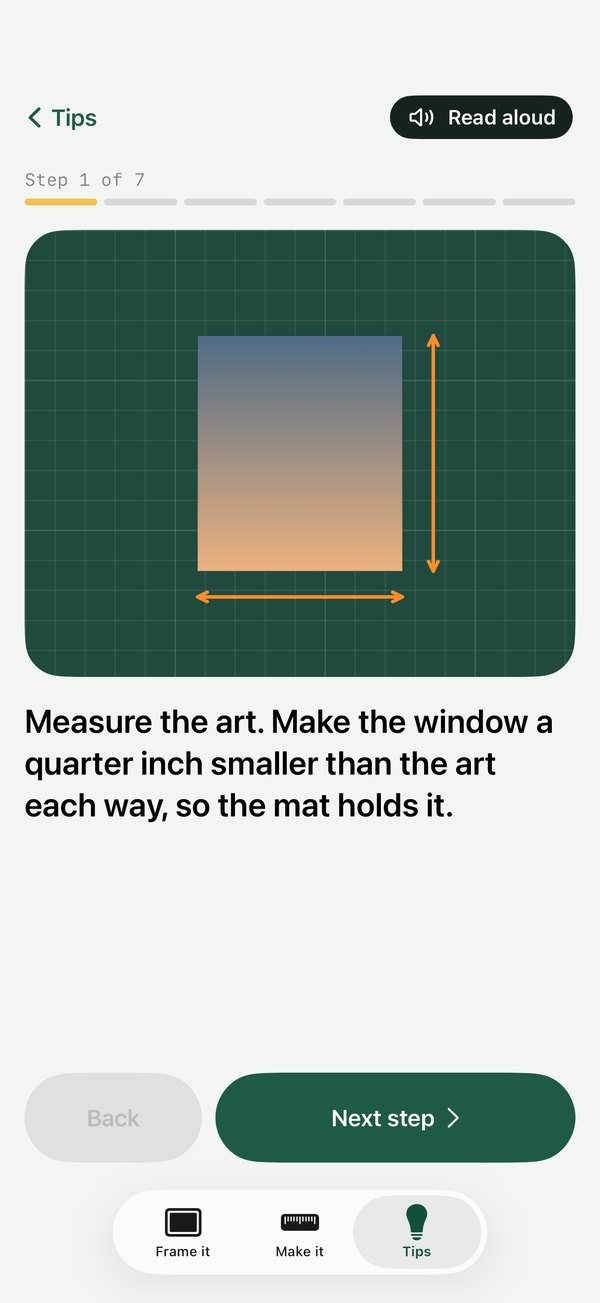
Seven clear steps for cutting a mat window, with a picture for each. Turn on Read aloud and keep your hands on the cutter.
Everything side by side on iPad.
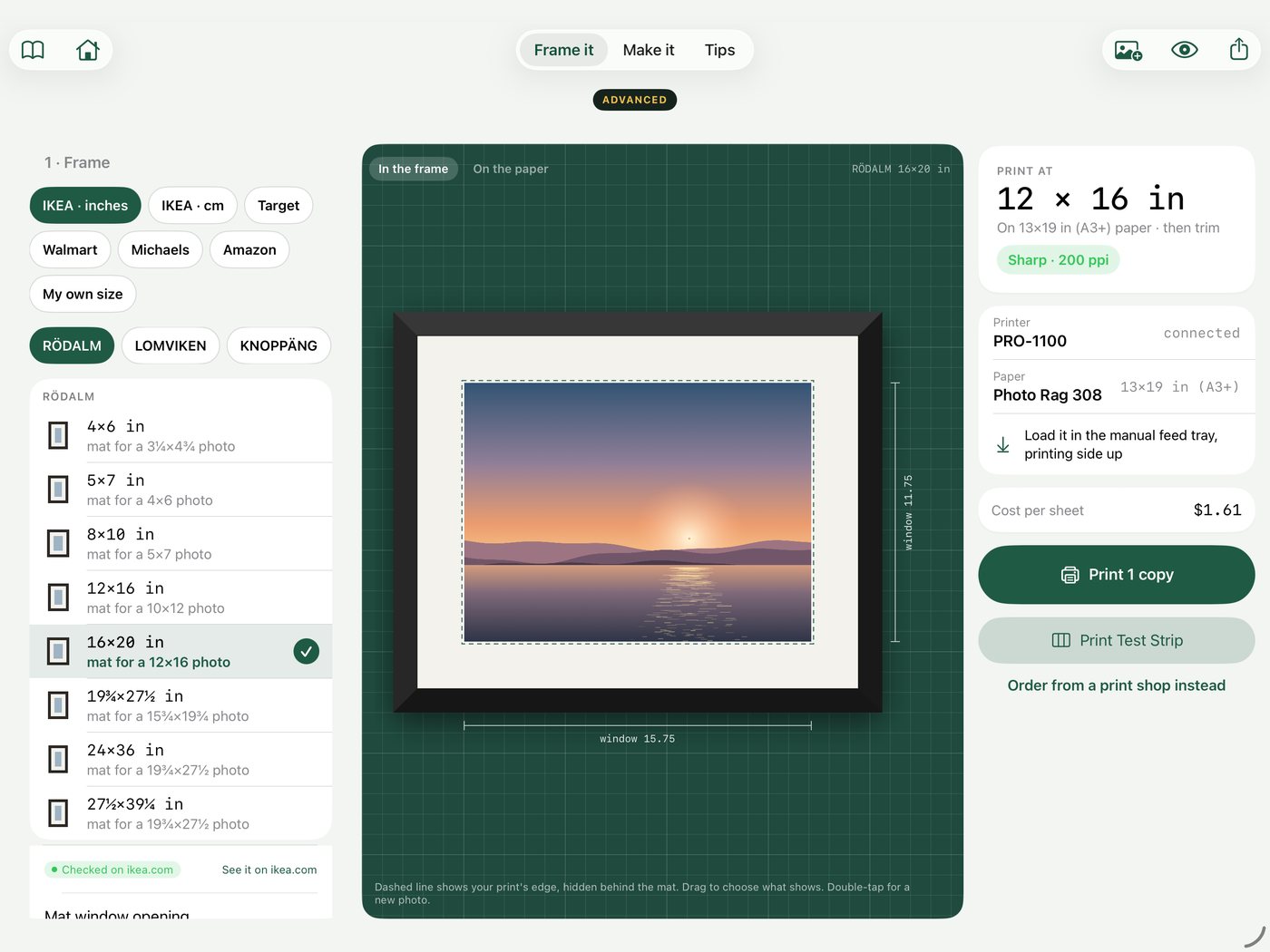
Frame, preview and print in one view. Turn on Advanced when you want every control.
Soft proof and paper profiles
See how the print will look on your paper before you spend a sheet. Ink levels and test strips too.
16-bit TIFF export
The exact print size with the profile embedded, ready for a print lab.
Make a zine
Lay out your photos, print both sides, fold and staple. On iPad, and on Mac when it arrives.
Stacks of prints, one look.
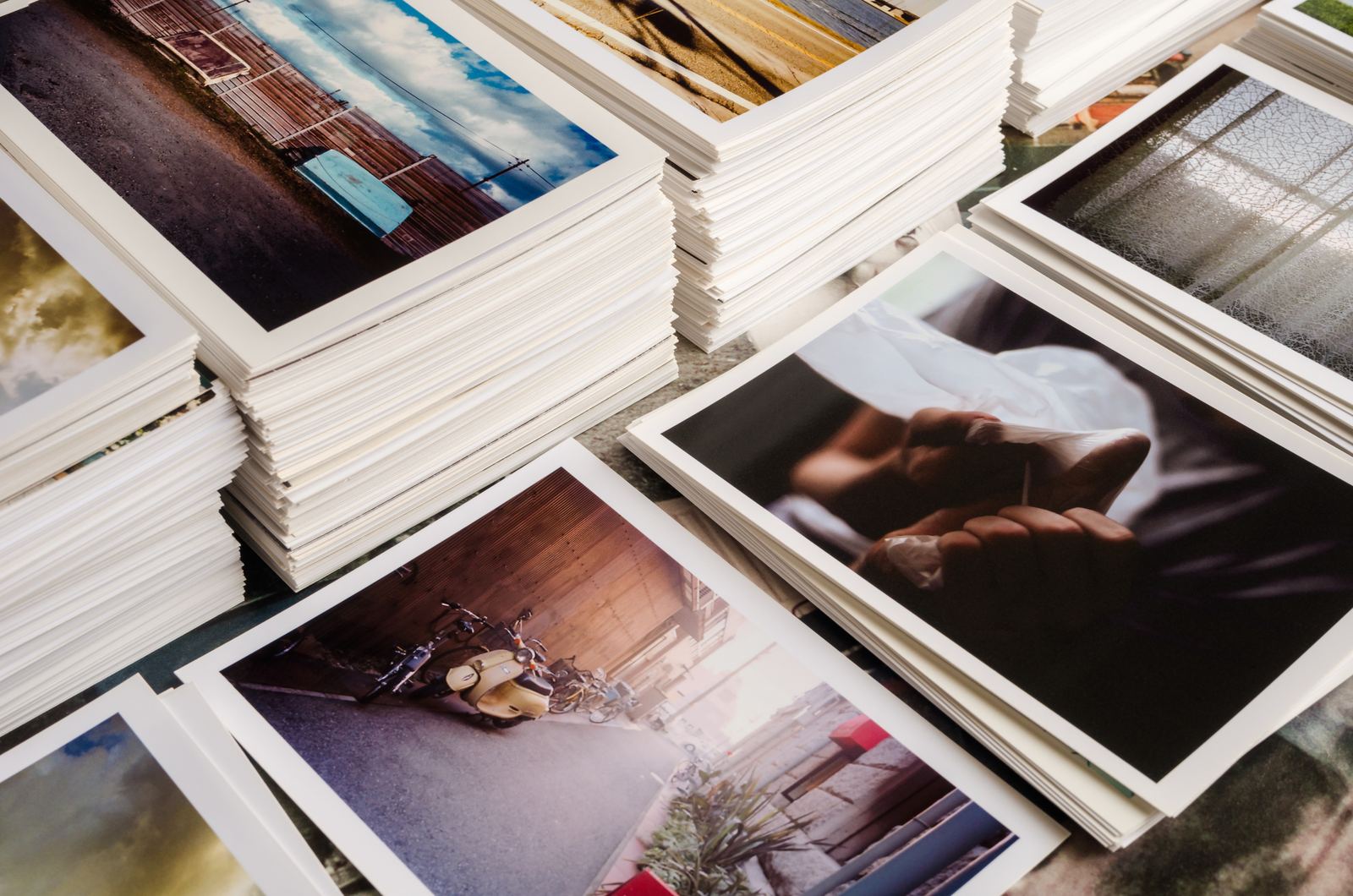
Twelve 4×6s with the same border, a single 16×20 for the hallway, a zine for a friend.




Free to frame. Pro when you want more.
- Size any photo to fit any frame and mat
- Built-in frame sizes from the stores you shop
- Layouts for your paper, with margins and trimming worked out
- Print with the standard print dialog, or order from a print shop
- Tips for framing and matting
- Print straight to your printer, with paper type, feed and quality set
- Soft proof with paper profiles, and test strips
- Mat and frame cut lists, measuring with the camera, and seeing it on your wall
- Zines and booklets on iPad
- 16-bit TIFF export and iCloud sync between devices
Try Pro free for 14 days on the monthly or yearly plan.
Good to know.
Which printers does it work with?
Any AirPrint printer. Matline knows the margins, paper feeds and papers of popular Canon and Epson photo printers, so layouts match what your printer can actually do. No photo printer? Get a file sized for Walgreens, CVS or Costco.
What if my frame isn't in the list?
Choose My own size and type the frame and mat window measurements. Matline works out the rest.
What does Matline do with my photos?
Nothing leaves your device. Matline doesn't collect any data, and your photos stay on your iPhone or iPad unless you choose to share or export them.
Which devices can I use?
iPhone and iPad today. A Mac version is on the way. With Pro, your frames, papers and settings sync through iCloud.
How do I cancel the trial?
In the Settings app, tap your name, then Subscriptions. Cancel before the 14 days end and you won't be charged.